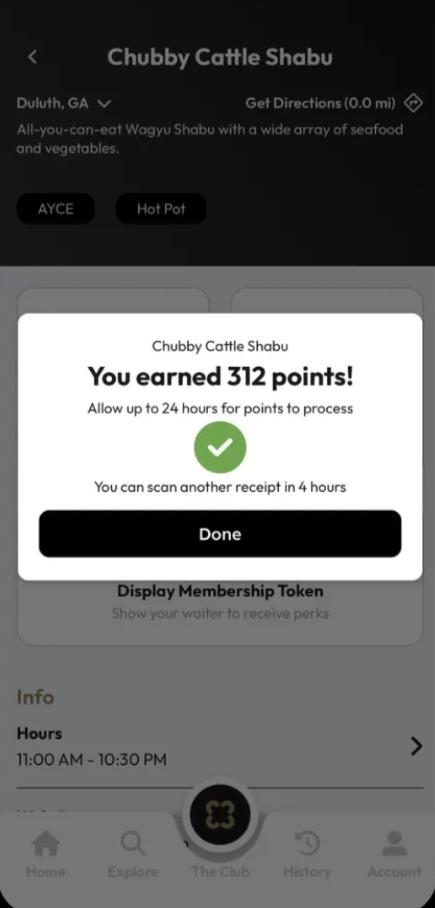
How to Scan a Receipt
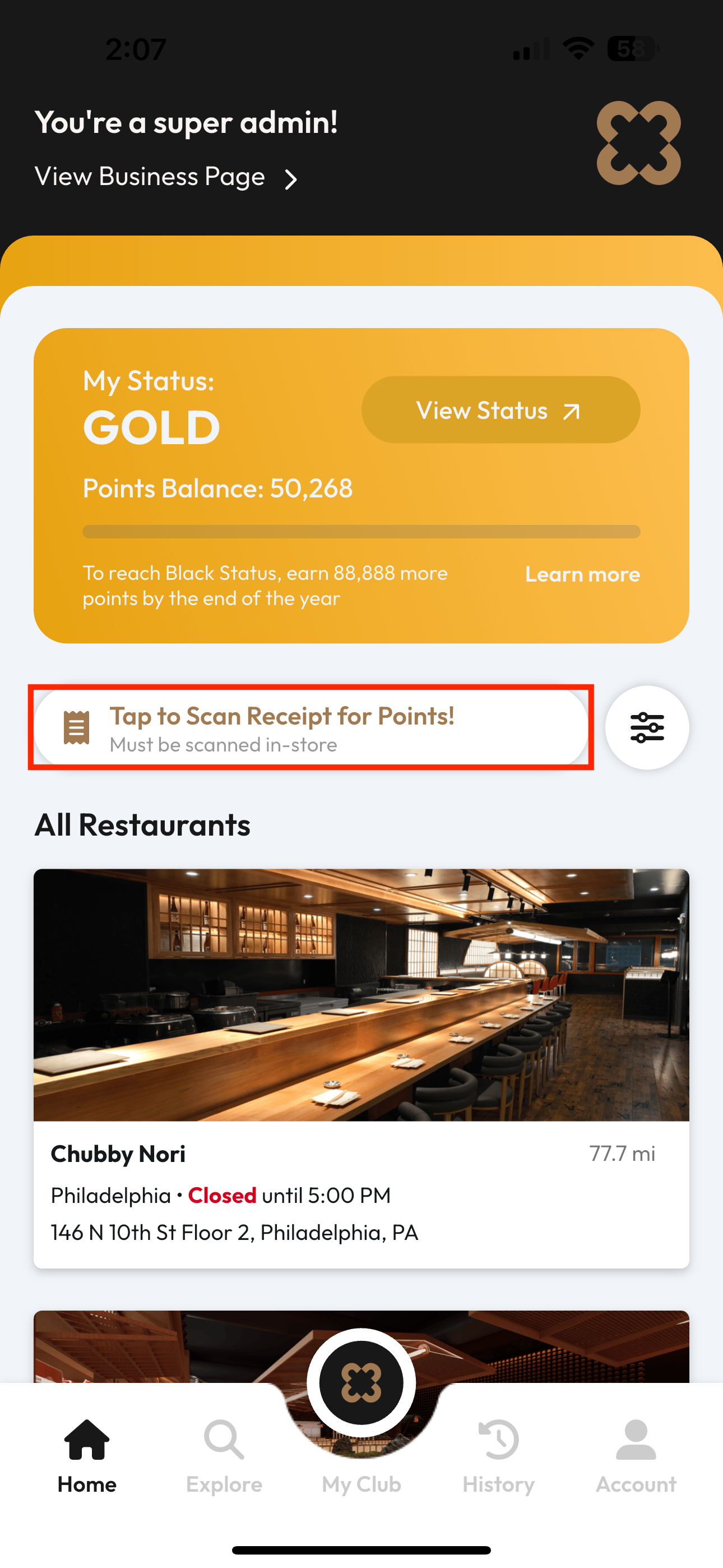
Find Tap to Scan Receipt for Points! on the home page.
⚠️
This function only works if:
- Location services are enabled for the app.
- User’s location is at a store.
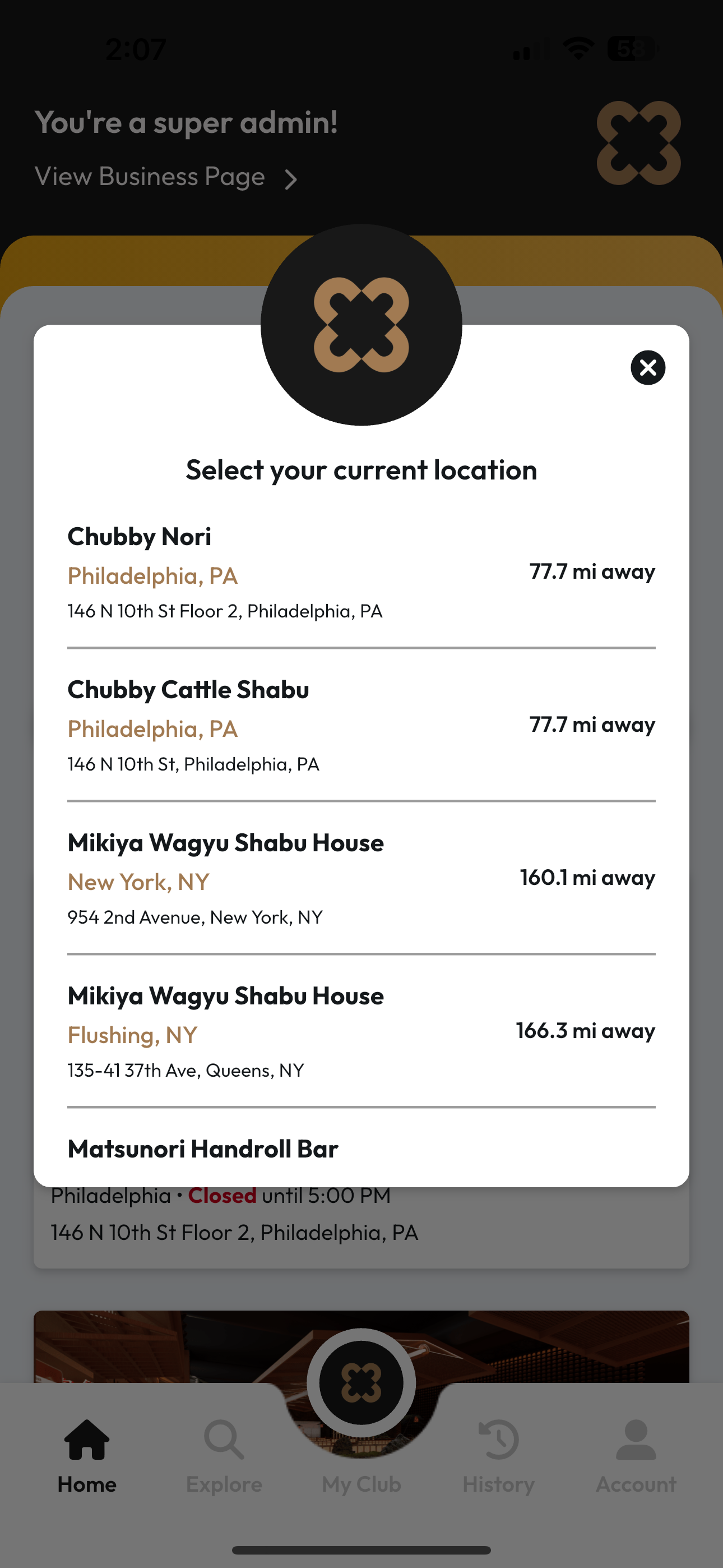
Select store (automatically sorted by distance from current location)
⚠️
The store selected must match the store on the receipt to ensure points are accurately credited.
Scan the Receipt
💡
Take a photo of the entire receipt, ensuring all discounts and subtotals are clearly visible.
Points will be automatically calculated based on applicable point multipliers.